


ExtendBox Duo
Loved by Our Customers ⭐⭐⭐⭐⭐
True 4K Wireless HDMI. No Cables. No Lag.
Clean, long‑range wireless HDMI for TVs, projectors, and displays — built for stable performance at home or in professional setups.
✅ True 4K@60Hz
✅ Plug & play, no Wi-Fi, no apps
✅ One-to-many streaming (up to 4 displays)
✅ Low latency
✅ Reliable coverage for real-world rooms
Pairs well with
True 4K, no downgrading
Low latency
One-to-many streaming
ExtendBox Duo
If you have any questions, you are always welcome to contact us. We'll get back to you as soon as possible, within 24 hours on weekdays.
-
Shipping Information
Use this text to answer questions in as much detail as possible for your customers.
-
Customer Support
Use this text to answer questions in as much detail as possible for your customers.
-
FAQ’s
Use this text to answer questions in as much detail as possible for your customers.
-
Contact Us
Use this text to answer questions in as much detail as possible for your customers.
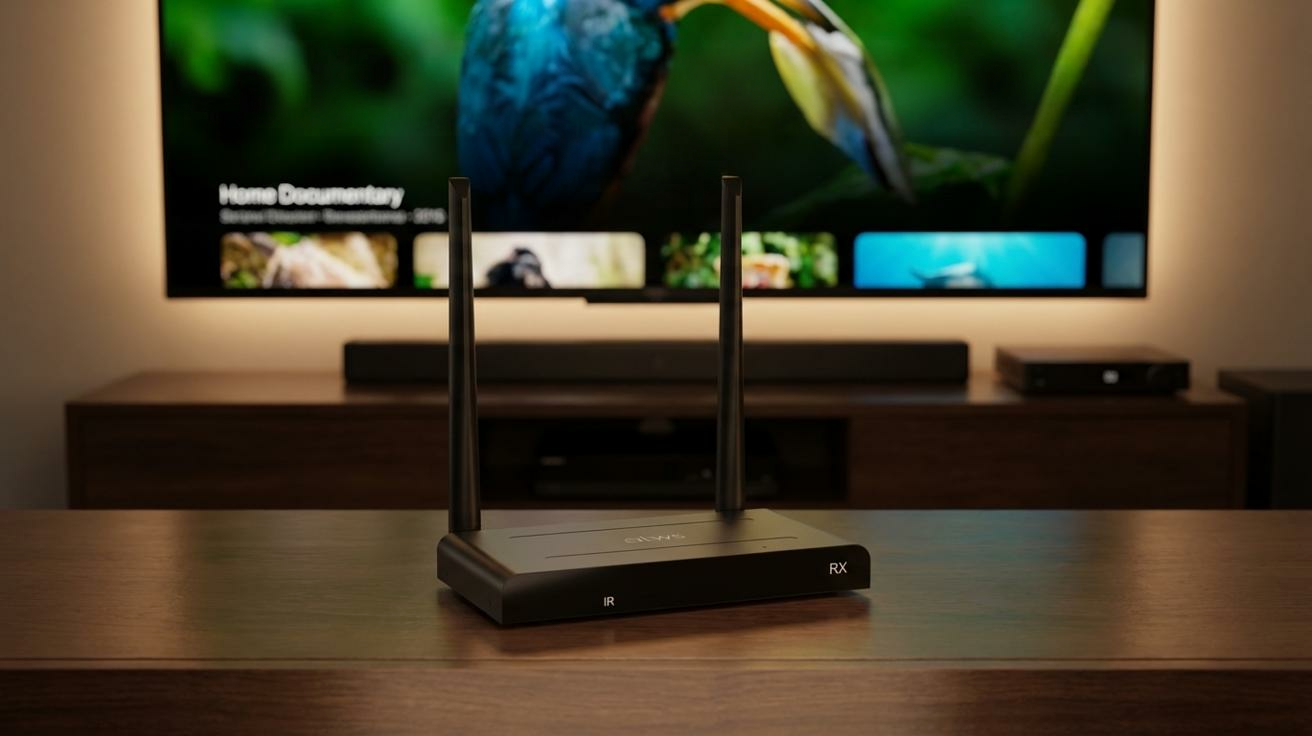
Why ExtendBox Duo
- True 4K@60Hz — no downgrade to 1080p
- Ultra‑Low Latency (~100ms)
- Stable Signal in Real-World Spaces — built for reliability
- One-to-Many Streaming — one source to up to 4 displays
Cable Clutter or Unreliable Extenders?
Long HDMI cables limit placement.
Cheap wireless dongles lag, drop signal, or reduce quality.
ExtendBox Duo solves this with professional‑grade wireless HDMI —
stable, true 4K video and audio over long distances, without messy cables or setup headaches.

BEFORE
Cable Chaos

AFTER
Clean Freedom
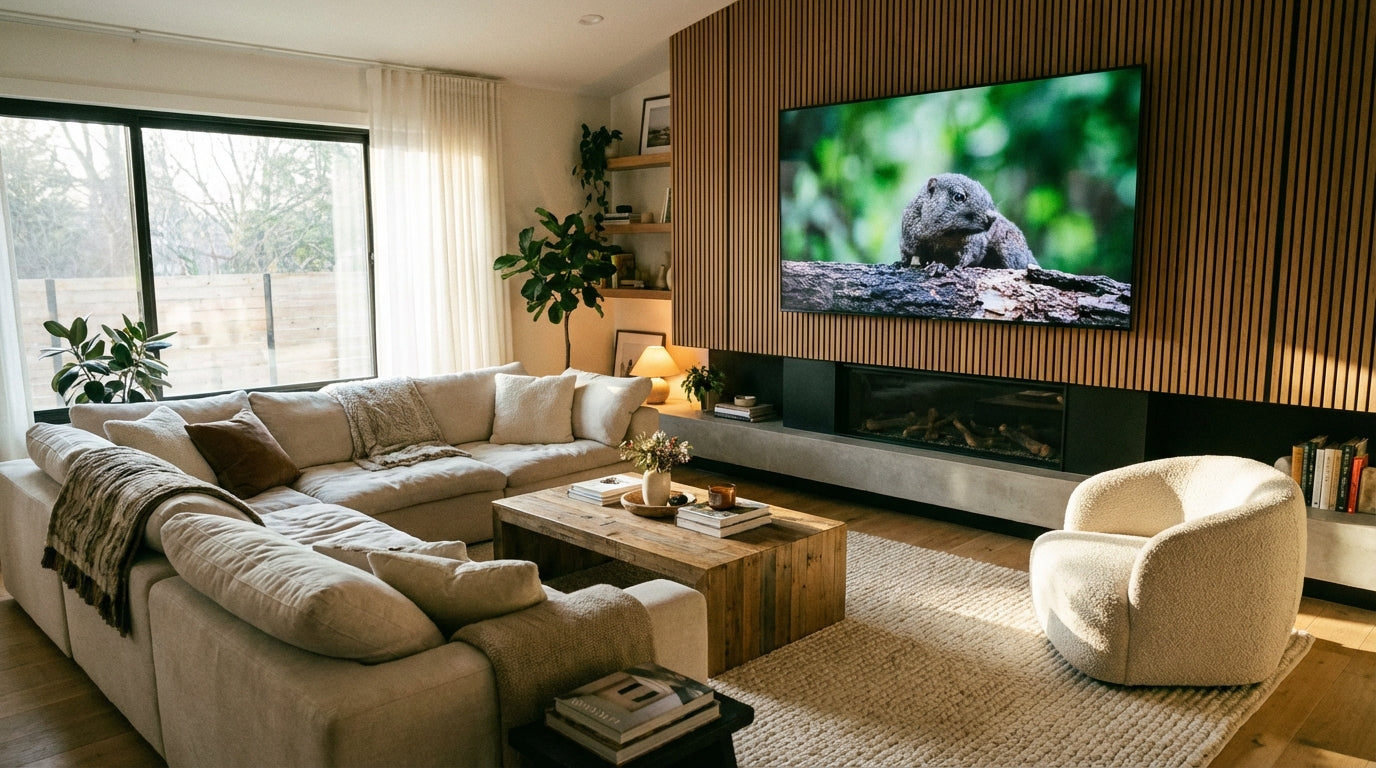
What You'll Notice Immediately
- Freedom of placement —
Mount TVs or projectors exactly where you want — no visible cables. - Smooth, immersive viewing —
Crisp 4K visuals for movies, gaming, presentations, and live content. - Reliable performance — Box‑style hardware resists interference and stays stable.
Why ExtendBox Duo is Different

True 4K — No Downgrade
Enjoy full 4K@60Hz HDMI output with crisp detail and smooth motion. No compression. No forced drop to 1080p like basic wireless extenders.
Built for Stability, Not Dongles
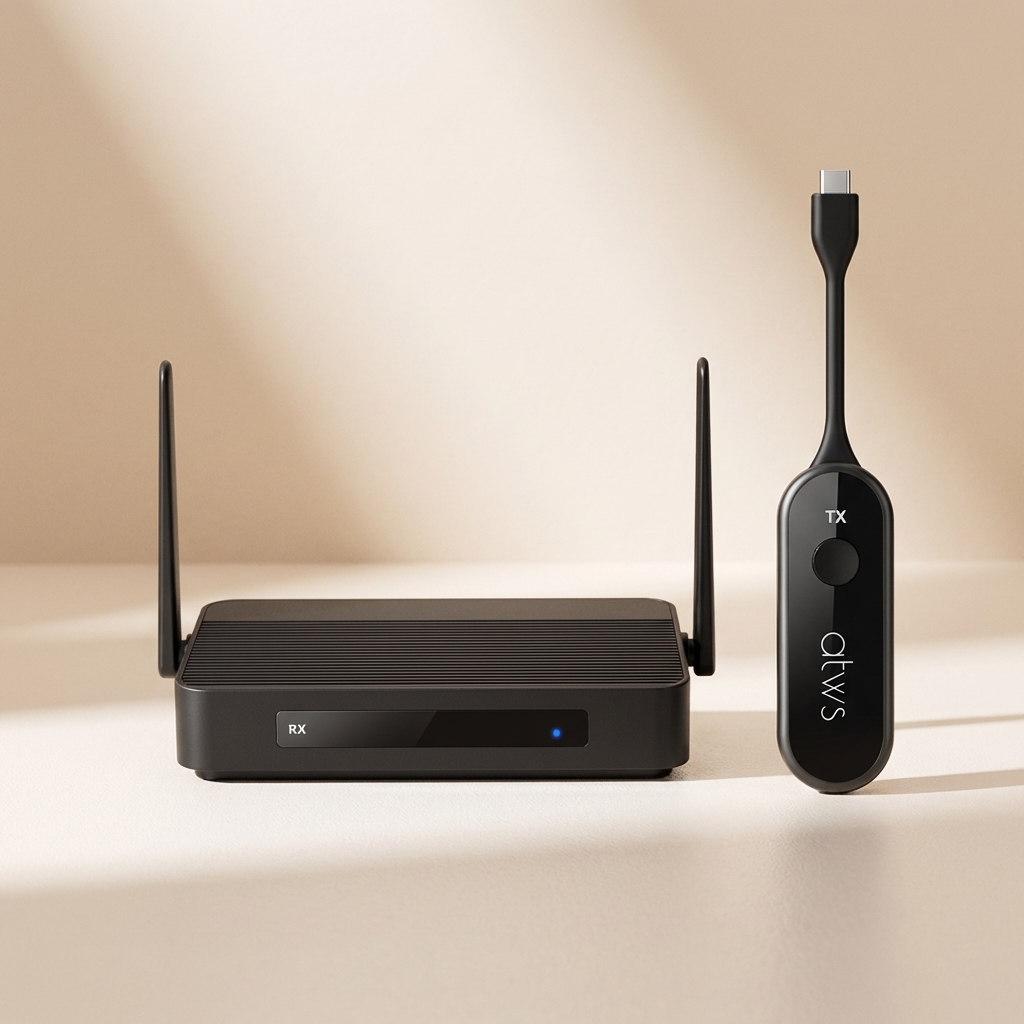
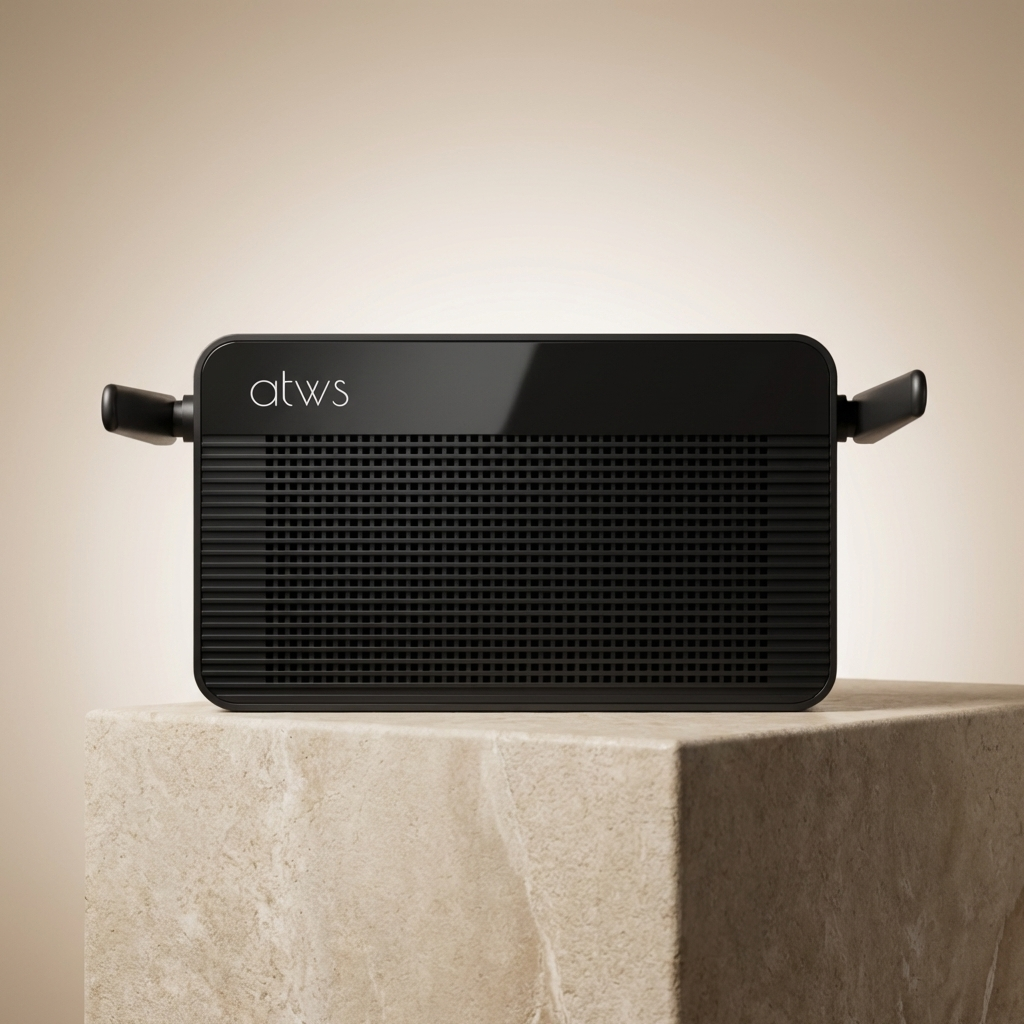
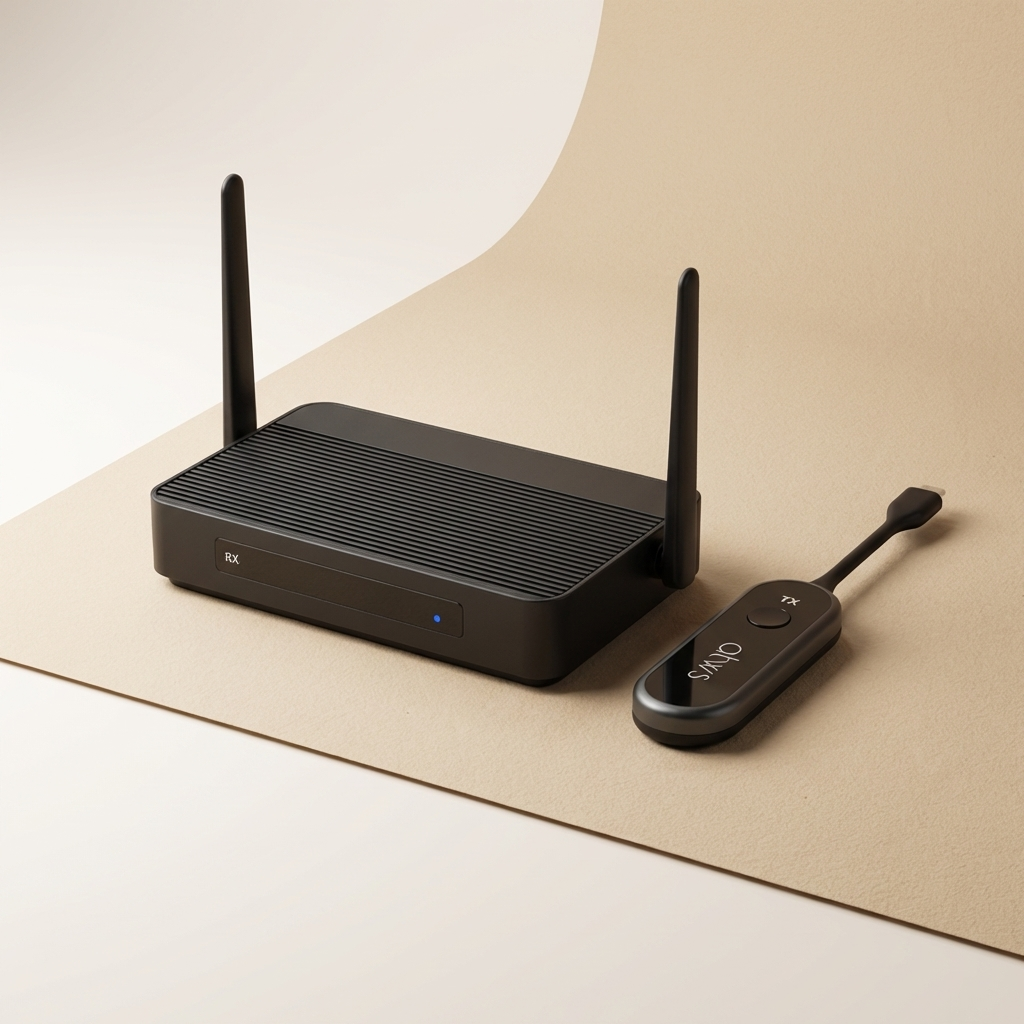
ExtendBox Duo uses box‑style hardware, not fragile dongles — delivering stronger signals, better heat management, and reliable performance in real‑world environments.

Real-World Stable Range
Designed for consistent performance across rooms, not inflated distance claims. ExtendBox Duo prioritizes signal stability you can actually rely on.

One-to-Many Streaming
Go beyond one screen. Connect one transmitter to up to four receivers for multi-display setups, digital signage, or shared viewing — no extra splitters required.

Build for Real-World Setups
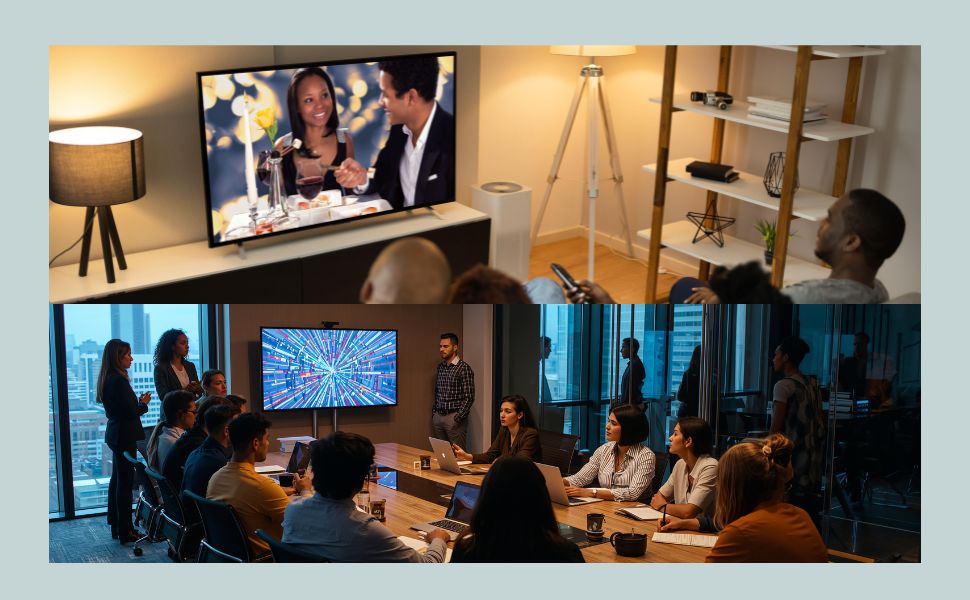
- Home theaters & living rooms
- Gaming setups
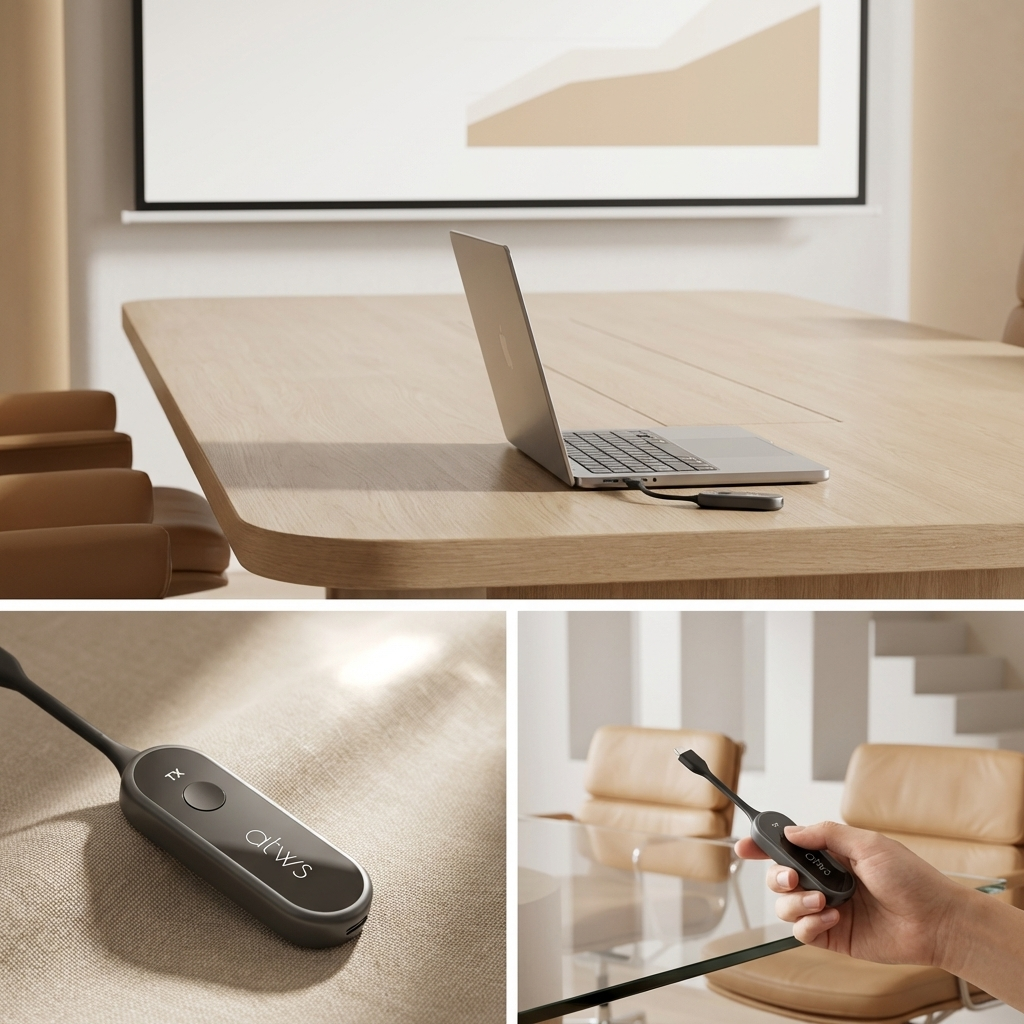
- Conference rooms & training spaces
- Digital signage & multi‑screen displays
If you need clean installs and dependable performance, ExtendBox Duo fits.
Technical Specifications
Video & Audio Performance
- Wireless Transmission: Up to 4K@60Hz (HDMI 2.0 compliant)
- Output Resolution: Full 4K@60Hz (uncompressed, no downscaling)
- Flexible Resolutions: Supports lower resolutions (e.g., 1080p@60Hz, 720p) for optimized range/performance
- Latency: Approximately 100ms (low enough for smooth video viewing, presentations, and live feeds)
- Audio Support: PCM passthrough
- HDR & Color: Compatible with standard HDR10 (source-dependent); full RGB/YCbCr 4:4:4 at lower resolutions
Wireless & Range
- Technology: Advanced 802.11ac 2T2R WiFi (5GHz band for reduced interference)
- Maximum Range: Up to 50 meters (164 feet) in clear line-of-sight; real-world performance 30–50m depending on environment (walls, interference)
- Broadcasting: One transmitter to up to 4 receivers (one-to-many/multi-screen support)
- Stability Features: Built-in anti-interference technology; auto channel selection
Connectivity & Control
- Inputs (Transmitter): 1 × HDMI, 1 × USB (for KVM)
- Outputs (Transmitter): 1 × HDMI loop-out (local monitoring)
- Outputs (Receiver): 1 × HDMI
- USB KVM: Supports remote keyboard/mouse control from receiver side (USB 2.0 compatible)
- IR Back Control: Full IR passthrough (38–56kHz typical); includes IR extender/blaster for source device control from receiver location
- HDCP: Compliant (HDCP 2.2/1.4 for protected content)
Power & Physical
- Power Requirements: Transmitter: 5V/2A; Receiver: 5V/1A (adapters included)
- Build: Robust box-style design (metal enclosure for durability and heat dissipation)
- Operating Temperature: 0°C to 40°C (32°F to 104°F)
In the Box
- 1 × Transmitter unit
- 1 × Receiver unit
- 2 × Power adapters (5V)
- 1 × IR extender/blaster cable
- 1 × HDMI cable (short for testing/setup)
- Quick start guide

Pair with MeetHub Kit
Save 10% on Complete Wireless Setup
30-Day Money Back Guarantee
1 Year Warranty
Secure Payments
FAQs
Please read our FAQs page to find out more.
What is ExtendBox Duo and who is it designed for?
ExtendBox Duo is a professional-grade wireless HDMI extender kit that transmits uncompressed 4K video and audio over long distances without cables. It's ideal for home theaters, conference rooms, classrooms, digital signage, multi-screen setups, and professional AV installations where reliability and range matter.
Does it support true 4K without downgrading?
Yes—full 4K@60Hz transmission and HDMI output with no compression or downscaling (unlike many basic extenders that limit to 1080p). It also supports lower resolutions for better performance over maximum range.
How does the one-to-many broadcasting work?
One transmitter can broadcast to up to 4 receivers simultaneously—perfect for displaying the same content on multiple screens (e.g., video walls, conference rooms, or multi-room home entertainment).
What is HDMI loop-out and how do I use it?
The transmitter includes a local HDMI output port—connect a nearby monitor for on-site preview, monitoring, or troubleshooting without affecting the wireless transmission.
Does it support IR remote control from the receiver side?
Yes—full IR passthrough allows you to use your original remote (for Blu-ray, cable box, media player, etc.) from the receiver location. An IR extender/blaster cable is included to attach near the source device's IR sensor.
Is setup truly plug-and-play?
Yes—auto-pairing happens in seconds. Just connect HDMI/power to both units—no apps, drivers, software, or configuration required. Ideal for quick installs or non-technical users.