
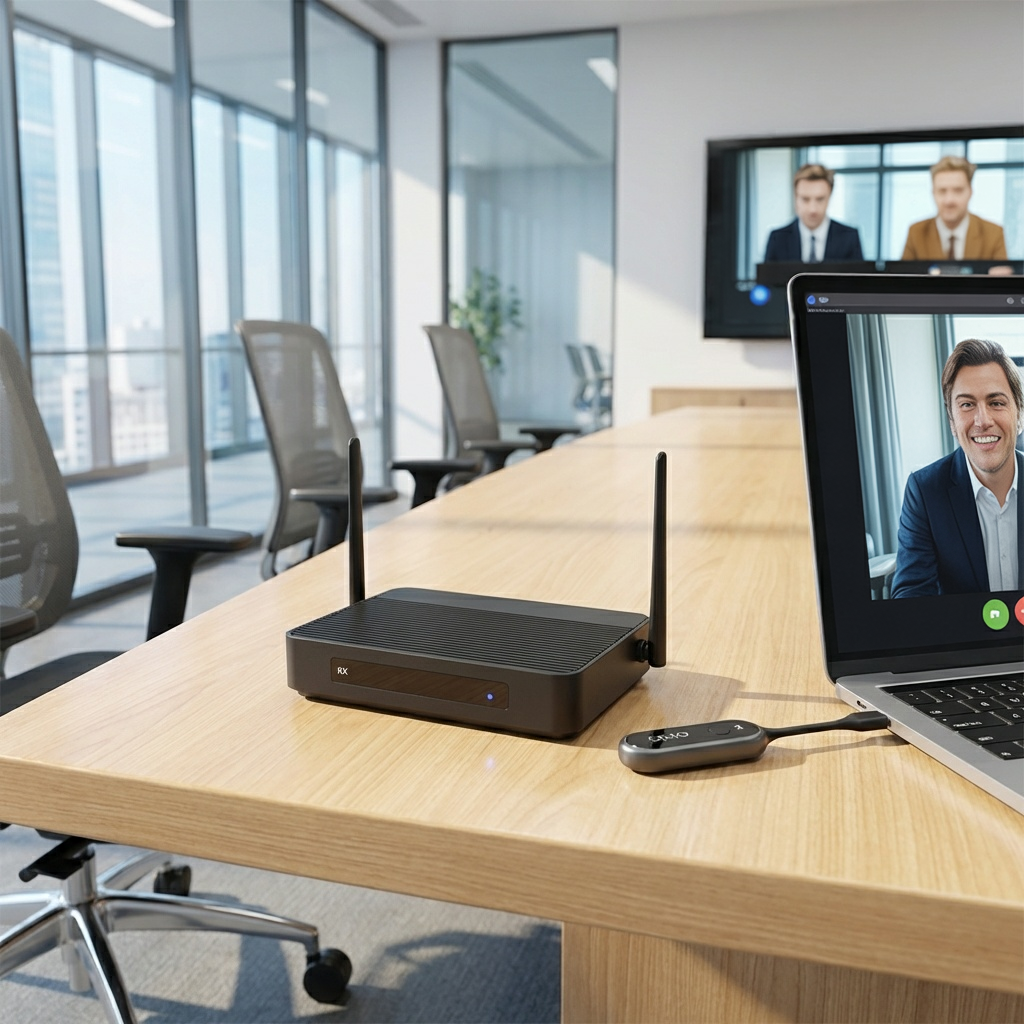
MeetHub Kit
Loved by Our Customers ⭐⭐⭐⭐⭐
Wireless BYOM. Faster Meetings. Zero Friction.
✅ Quad‑view sharing (up to 4 screens)
✅ Touchback & annotation
Pairs well with
Start Meetings Instantly
30-Day Money Back Guarantee
1-Year Warranty
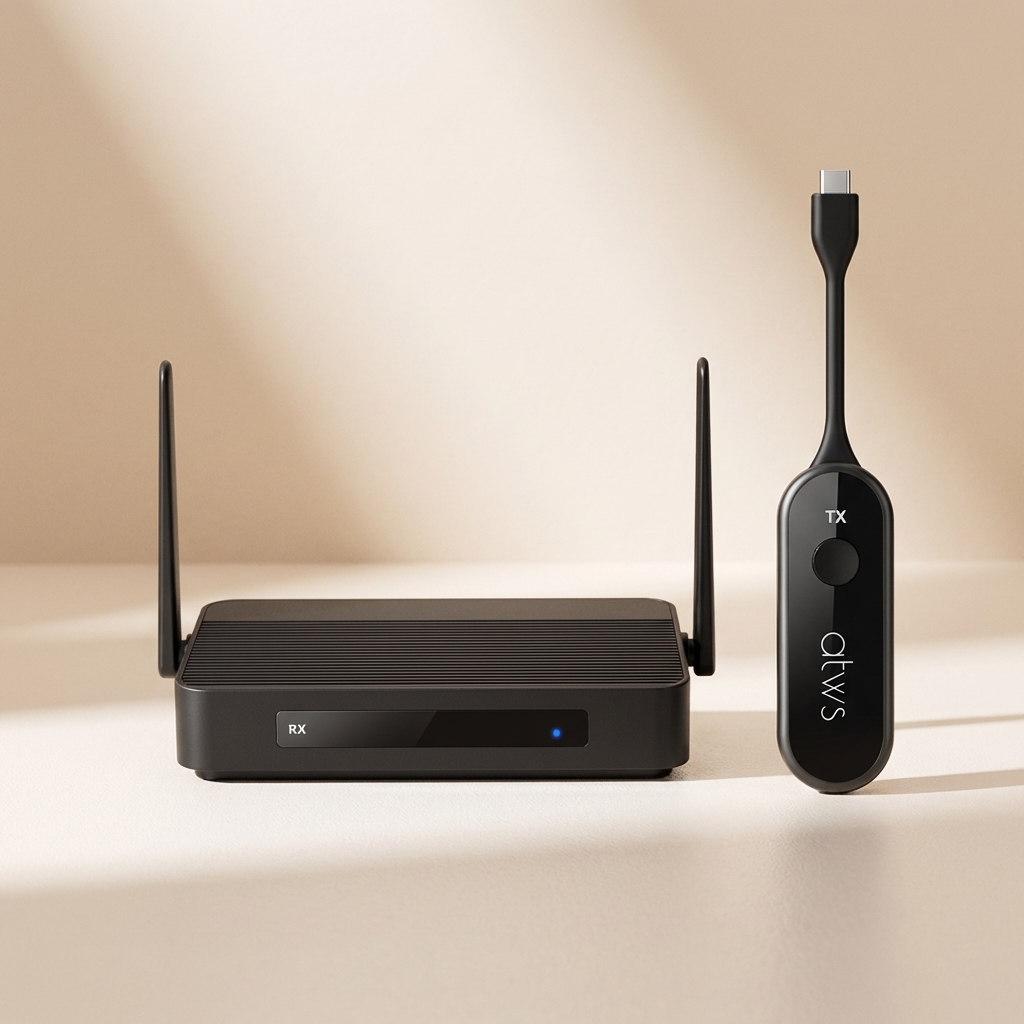
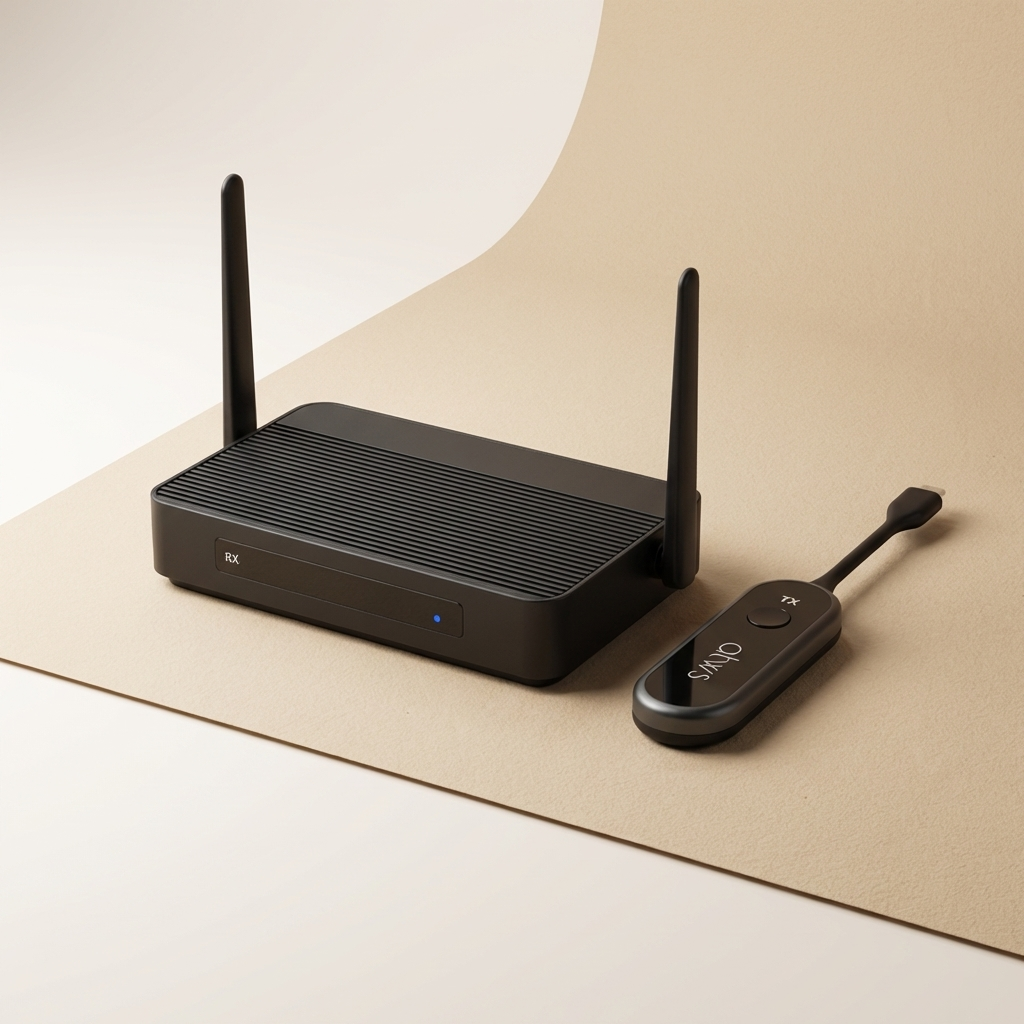
MeetHub Kit
If you have any questions, you are always welcome to contact us. We'll get back to you as soon as possible, within 24 hours on weekdays.
-
Shipping Information
Use this text to answer questions in as much detail as possible for your customers.
-
Customer Support
Use this text to answer questions in as much detail as possible for your customers.
-
FAQ’s
Use this text to answer questions in as much detail as possible for your customers.
-
Contact Us
Use this text to answer questions in as much detail as possible for your customers.
Why MeetHub Kit

Bring Your Own Meeting (BYOM)
Control meetings from your own device.

Quad-View Sharing
Up to 4 presenters at once.

Touchback & Annotation
Interact directly from your laptop.

Crisp 4K Output
Professional, vibrant visuals every time.

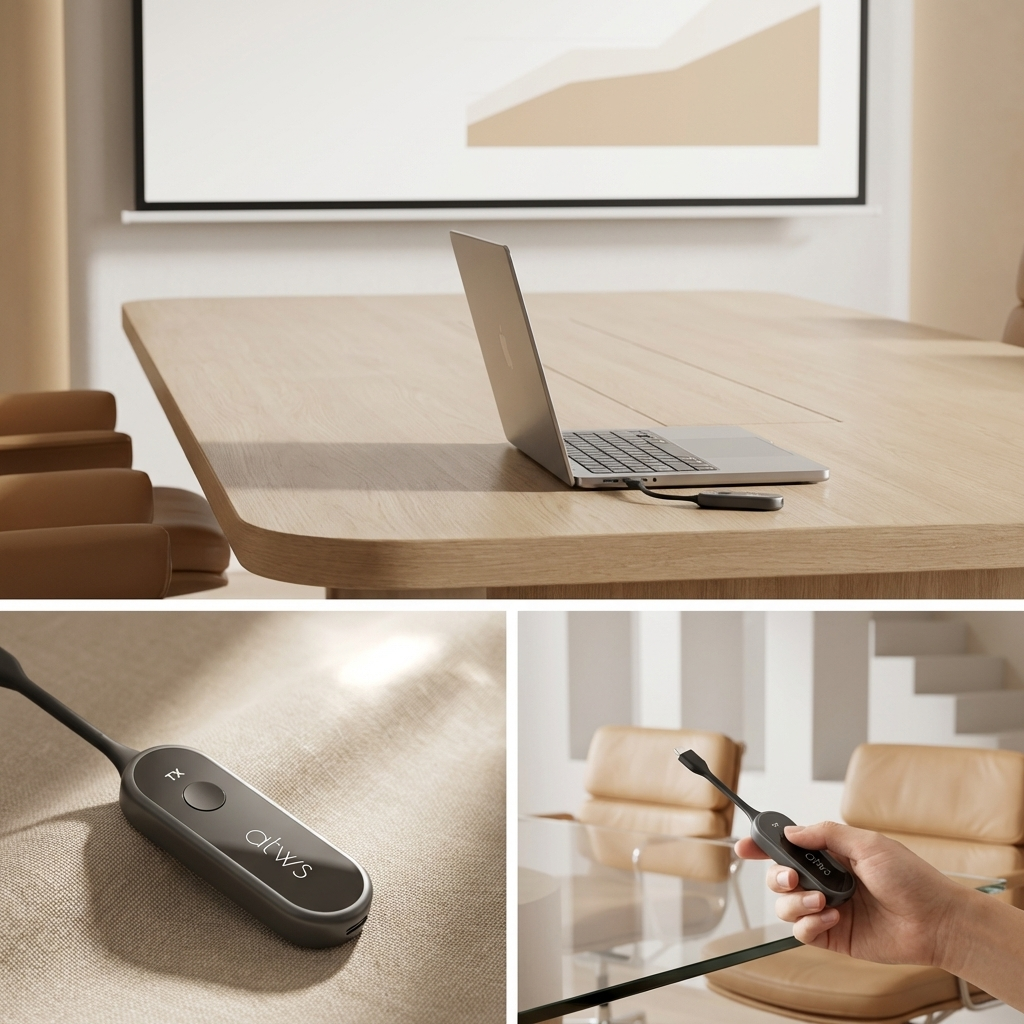
One-Plug Setup
USB-C dongle connects in seconds; zero apps, drivers or IT help.

Why MeetHub Kit is Different
Unlike room systems that lock you into dedicated PCs or software, MeetHub Kit lets you stay in control.
- No shared room computer
- No logins or updates
- No learning curve
Just your device, your meeting, on the room’s screen and AV gear.
Built for Modern Spaces
If you run hybrid meetings, MeetHub Kit fits.




Technical Specifications
Video Performance
- Transmission: 4K@30Hz wireless
- Output: Primary HDMI – 4K@60Hz; Secondary HDMI – 1080p
- Latency: ~100ms
- Supported Features: Quad-View (up to 4 sources), Dual-Screen Support
Compatibility & Casting
- Native Protocols: AirPlay, Miracast, Chromecast, USB-C Dongle Casting
- Devices: Windows, macOS, iOS, Android
- Interactive: Full touch-back and annotation support for interactive displays
Connectivity & Range
- Wireless Range: Up to 30 meters (98 feet) line-of-sight
- Outputs: 2 × HDMI (on receiver)
- Inputs: USB-C (transmitter dongle)
- Multicast: Supported for multiple receivers
Power & Physical
- Transmitter: 5V/1A (adapter included)
- Receiver: 5V/2A (adapter included)
- Plug-and-Play: No apps or drivers required
In the Box
- USB-C Transmitter Dongle
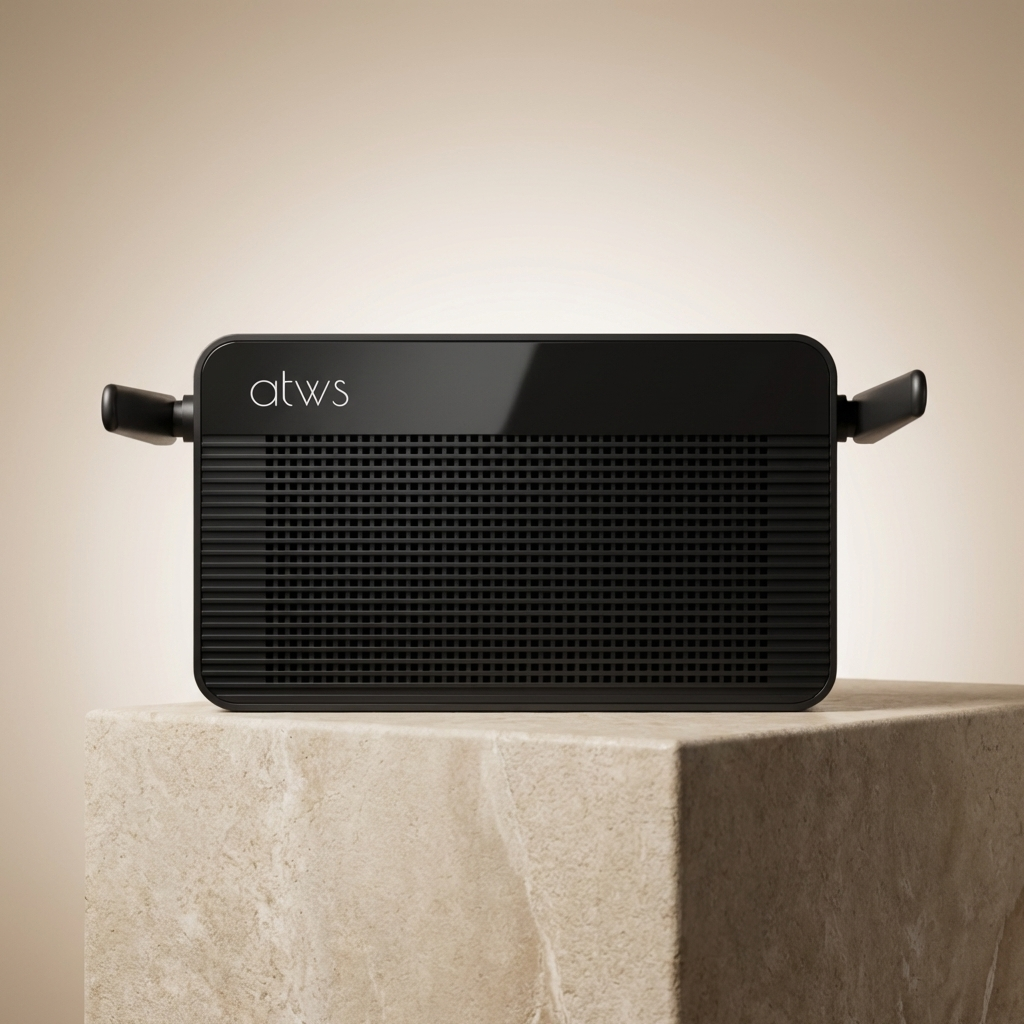
- Receiver Unit
- Power Adapter
- Necessary cables

Bundle and Save 10%
Pair with ExtendBox Duo for Complete Wireless AV


30-Day Money-Back Guarantee
1-Year Warranty
100% Secure Checkout
FAQs
Please read our FAQs page to find out more.
What is MeetHub Kit and who is it for?
MeetHub Kit is an all-in-one wireless HDMI transmitter and receiver system that enables cable-free presentations, screen sharing, and collaboration. It's ideal for conference rooms, classrooms, huddle spaces, hybrid workspaces, and any environment needing quick, high-quality wireless connectivity without apps or complicated setup.
Does MeetHub Kit support AirPlay, Miracast, and Chromecast?
Yes—natively and simultaneously. It works seamlessly with:
- AirPlay (iOS/macOS devices)
- Miracast (Windows/Android devices)
- Chromecast/Google Cast (compatible devices)
Plus direct USB-C dongle casting for universal compatibility across platforms—no extra software required.
How does the Quad-View Multicast feature work?
Quad-View allows up to 4 sources (from different devices/presenters) to be displayed simultaneously on one screen in an optimized quad layout. Simply connect multiple transmitters or cast via AirPlay/Miracast/Chromecast—the system intelligently arranges them for panel discussions, comparisons, brainstorming, or multi-contributor sessions. Multicast also supports sharing to multiple receivers if needed.
Can MeetHub Kit drive two displays at the same time?
Yes—the receiver has dual HDMI output ports. You can extend your desktop across two screens for more workspace or mirror the same content for larger rooms/audiences. One output support full 4K and the other output support 1080p.
What is Bring Your Own Meeting (BYOM) and how does it work with MeetHub Kit?
BYOM lets you use your own laptop/device as the meeting host while seamlessly integrating room peripherals (camera, microphone, speaker). Plug the included Type-C dongle into your device—it wirelessly transfers power, display, and data over one link, so you can run Zoom, Teams, or any platform while presenting cable-free.